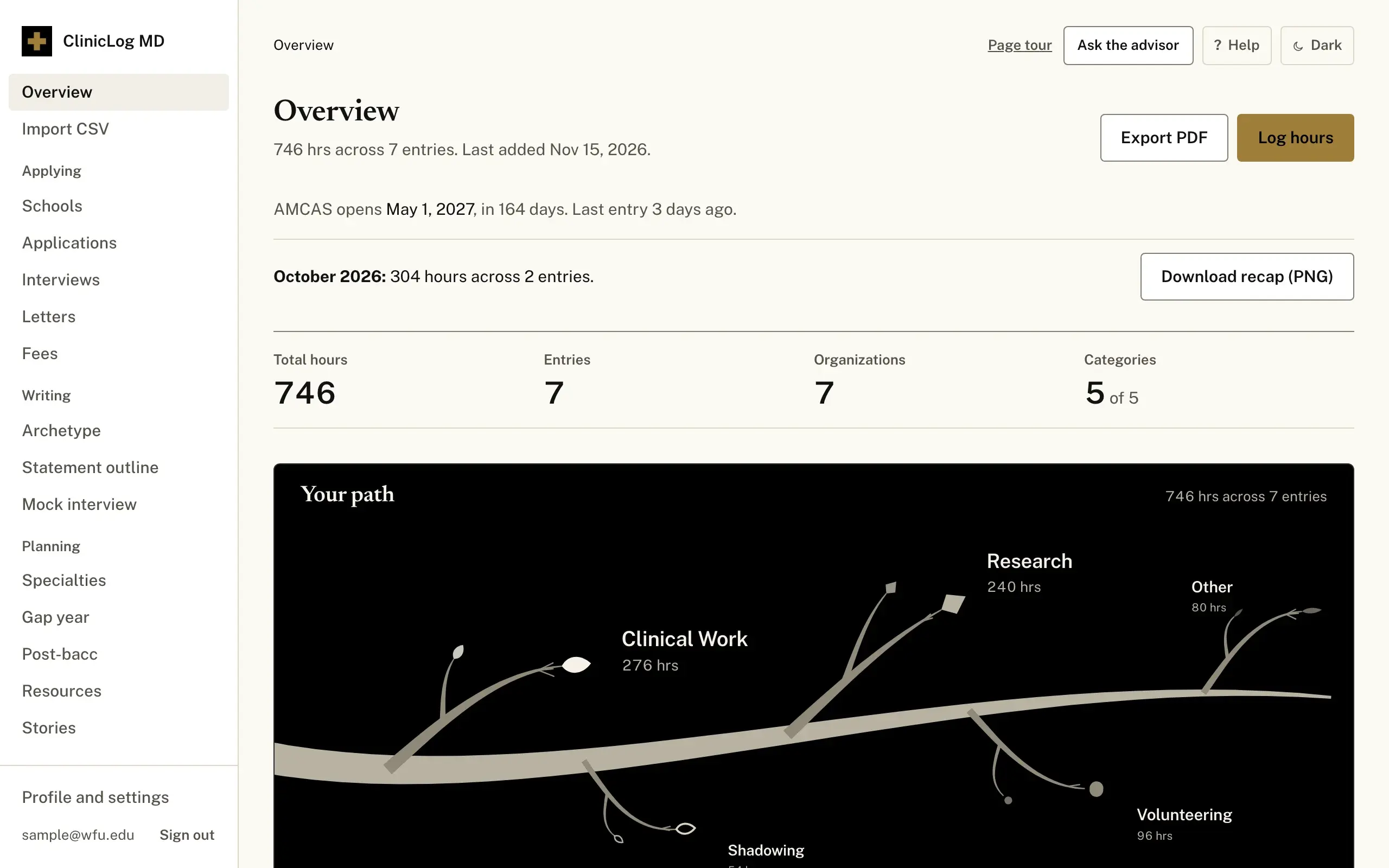
What is in it
- 5 AMCAS categories
- Clinical work, shadowing, research, volunteering and other, each with its own total and a common benchmark beside it.
- 248 medical schools
- 169 MD, 59 DO and 20 Caribbean programs, filtered by your GPA, MCAT, home state and mission.
- 1 PDF of every entry
- Dates, hours, descriptions and reflections in one file, laid out for copying into the application.
- 30 specialties
- Residency length, patient contact and a short summary of each, for deciding who to shadow next.
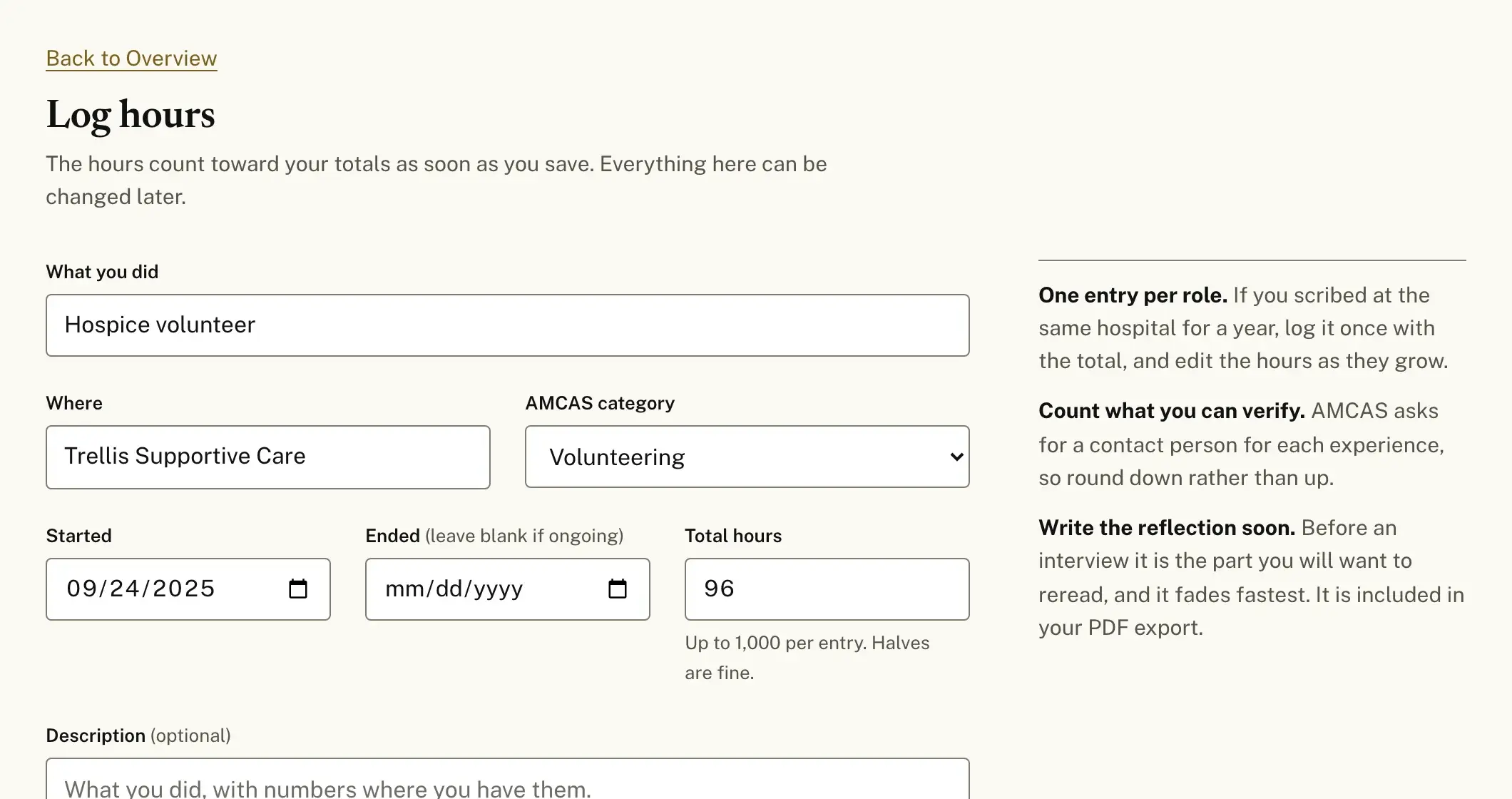
One entry is five fields.
What you did, where, which AMCAS category, when it started and how many hours. The description and the reflection can wait until you have time to write them properly.
If you already keep hours in a spreadsheet, import it as a CSV and fix anything the import could not read.
Your record stays yours
Entries are visible only to your account. The database checks that on every request, so another student cannot read them even by guessing a link.
You can download everything you have entered as a single file at any time, and deleting your account deletes the entries with it. The AI tools see your logged entries when you ask them something, they have daily limits, and they can be wrong, so check what they say before you use it.